Workrave 1.12 is unreleased. This guide describes its Qt interface as it exists in the current development version. The three break types, operation modes, reading mode and timer concepts remain the same.
Timer-window layouts
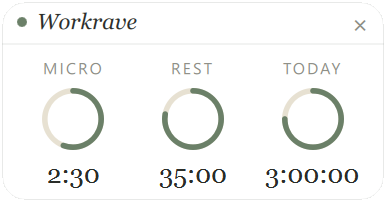
The Qt timer window offers Rings, Bars, Focus and Classic layouts. Choose one in Preferences → User interface → Status window. Rings is the default; Classic retains the familiar progress bars from earlier versions. See the timer window.
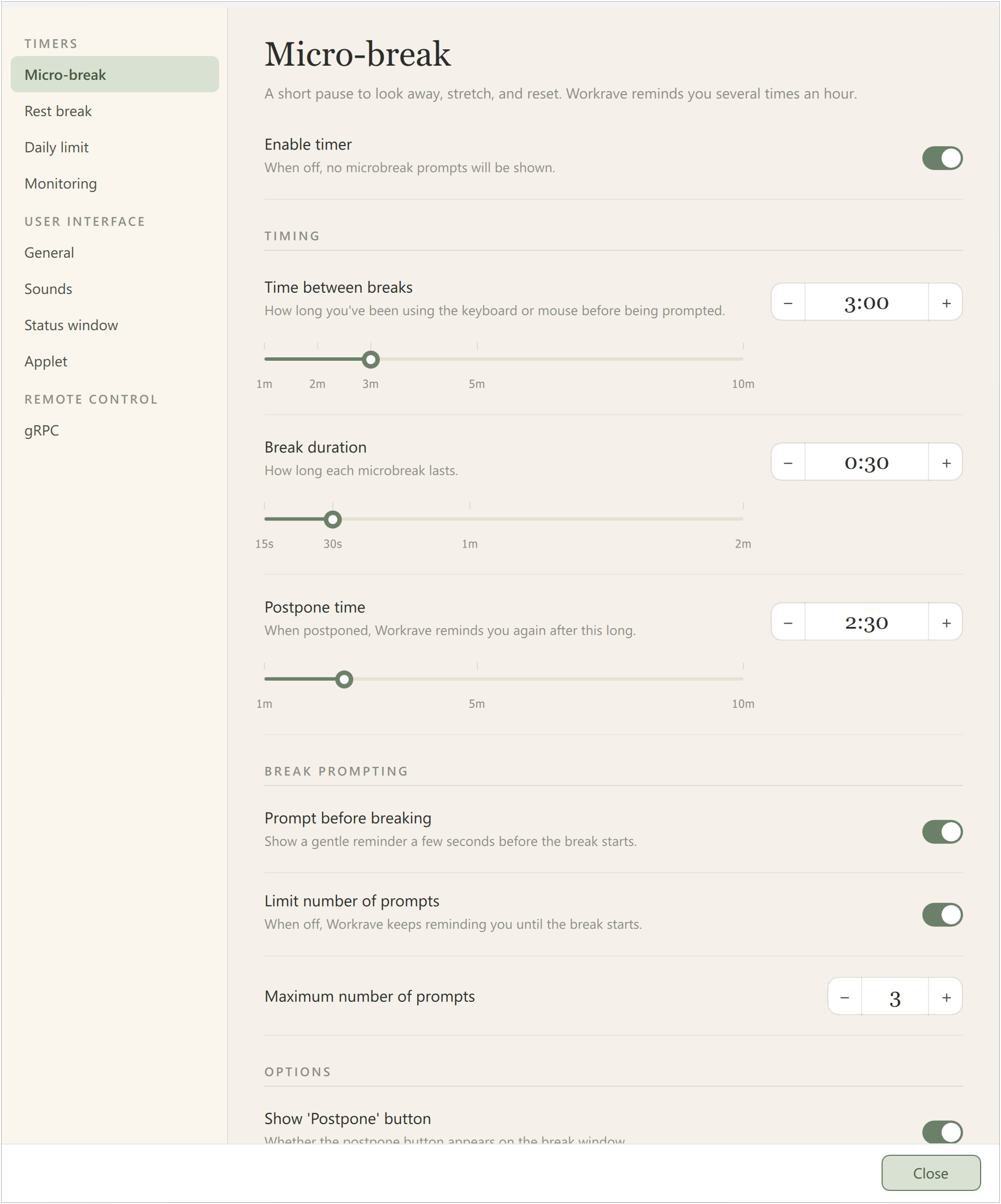
Preferences
The Qt preferences window groups Micro-break, Rest break, Daily limit and Monitoring under Timers. General, Sounds, Status window and Applet are under User interface. Optional features can add further pages. The descriptions in this manual follow those Qt page names.
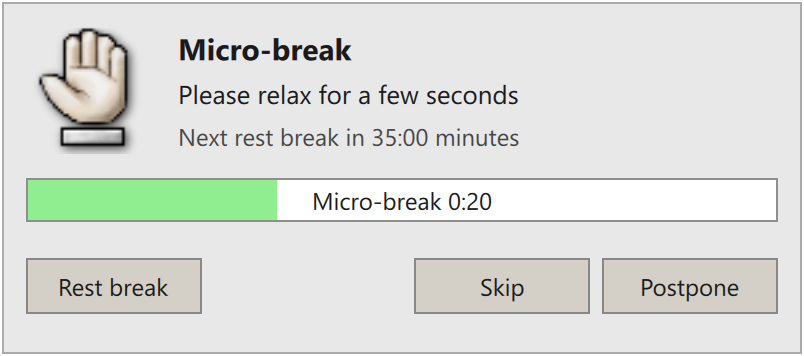
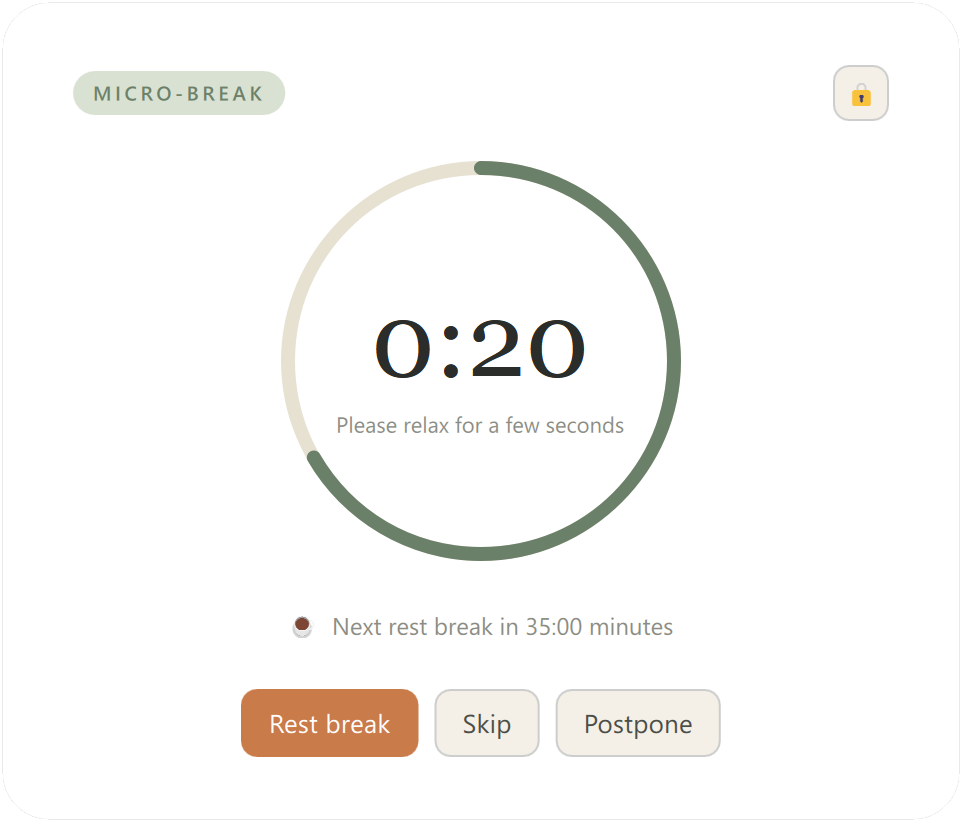
Break-window appearance
Use Sanctuary UI, in User interface → General, selects an alternative appearance for break reminders, break windows and exercises. The reminder, break-window and exercise chapters show both appearances side by side, with matching timer values and exercises. Timer-window layout is chosen separately; preferences, menus and statistics share one appearance.
Statistics
The Qt statistics window combines break-compliance counters and daily, weekly or monthly usage in one window. See statistics. The separate Activity tab illustrated in the GTK 1.11 manual is not part of this Qt window.
Remote control
Builds with gRPC support provide Preferences → Remote control → gRPC. This allows local applications to inspect and control Workrave. See remote control.
Features removed since 1.10
Networking between Workrave installations and the Windows DeskBand applet remain unavailable. Use the timer window and tray icon on Windows. The 1.10 manual retains instructions for the old features.
Last updated: Oct 12, 2026