Workrave plays a sound to inform you of certain events. Open Preferences → User interface → Sounds to configure these sounds.
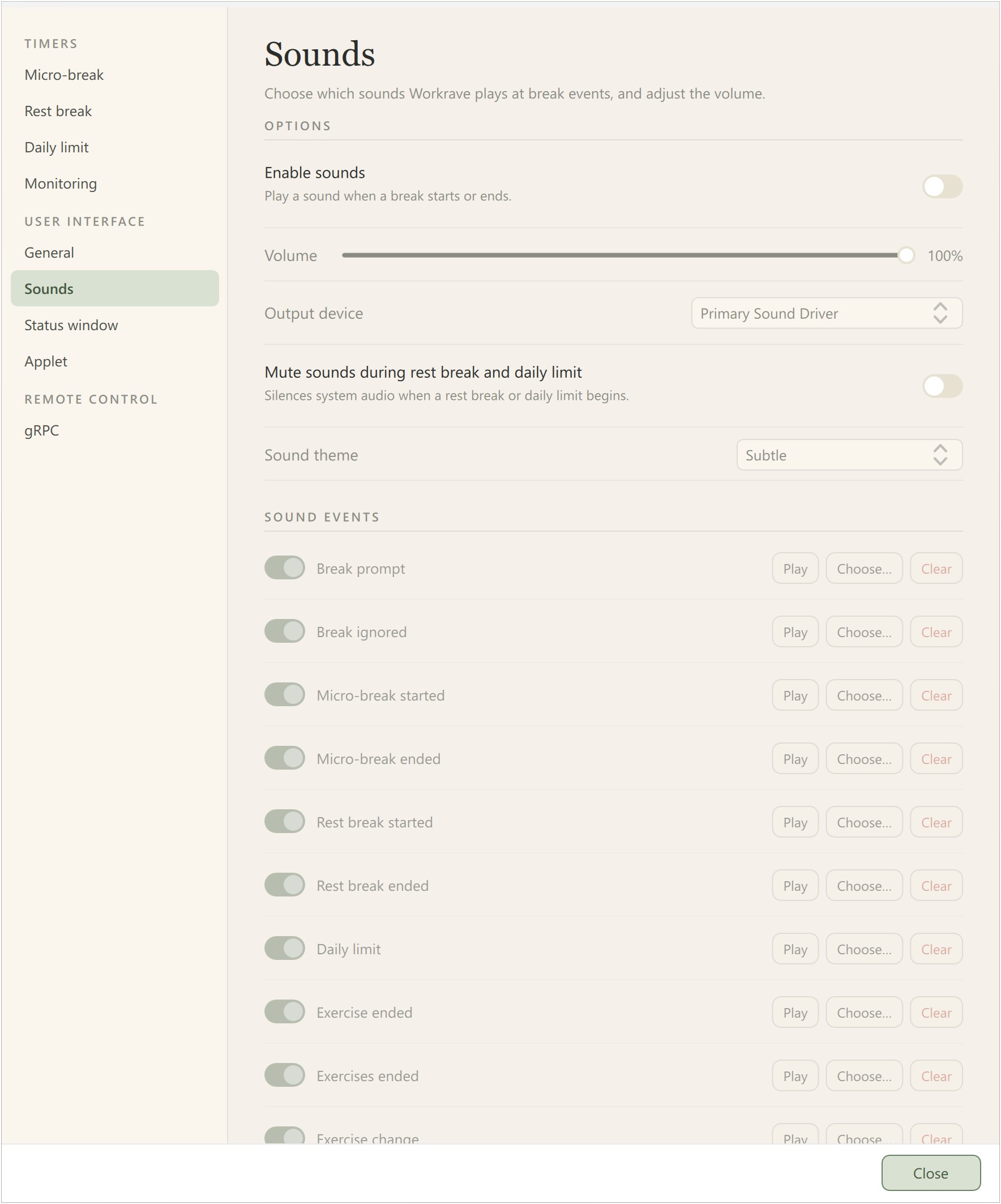
Enable sounds
Whether Workrave plays sounds for break events.
Volume
The volume of the sounds Workrave makes.
Output device
Device used to play sounds. The PC speaker option was removed.
Mute sounds during rest break and daily limit
If enabled, Workrave will mute all audio during a rest break and daily limit. This can be used, for example, to mute music playback during such a break.
Sound theme
Workrave includes several sound themes, including subtle and classic.
Sound events
This can be used to change individual sounds.
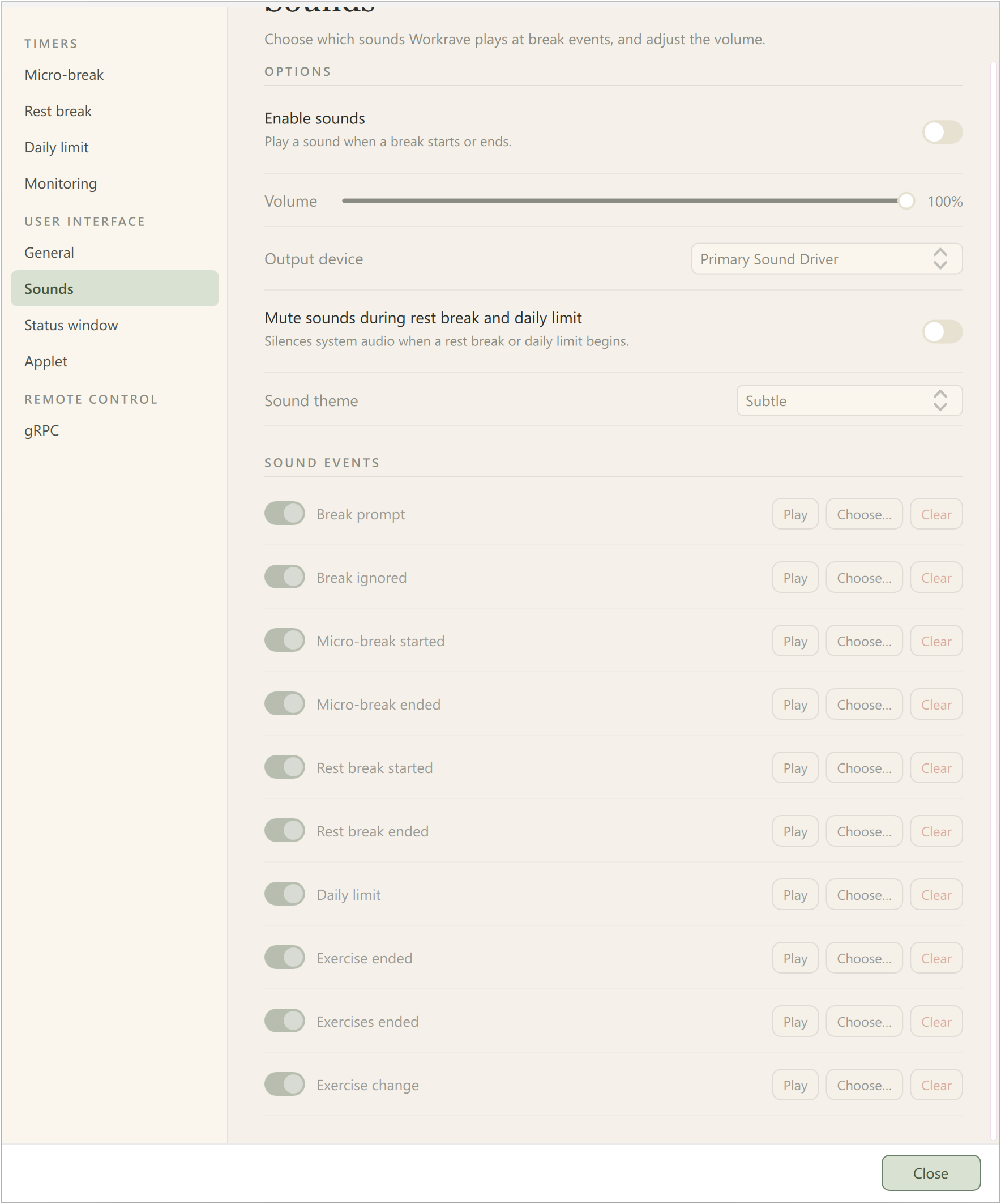
Scroll down to see the remaining sound events:
Last updated: Oct 12, 2026