Workrave’s Qt preferences use a sidebar with sections and pages. Open Preferences from the timer-window or tray menu.
Contains all settings for the three breaks.
Settings for several aspects of the user interface.
Timers → Monitoring contains activity-monitoring settings and, on supported Windows builds, Focus Assist integration.
User interface → Sounds contains settings for the sounds Workrave plays.
Remote control → gRPC is available in builds with gRPC support.
Settings for the optional update checker under Plugins → Software updates.
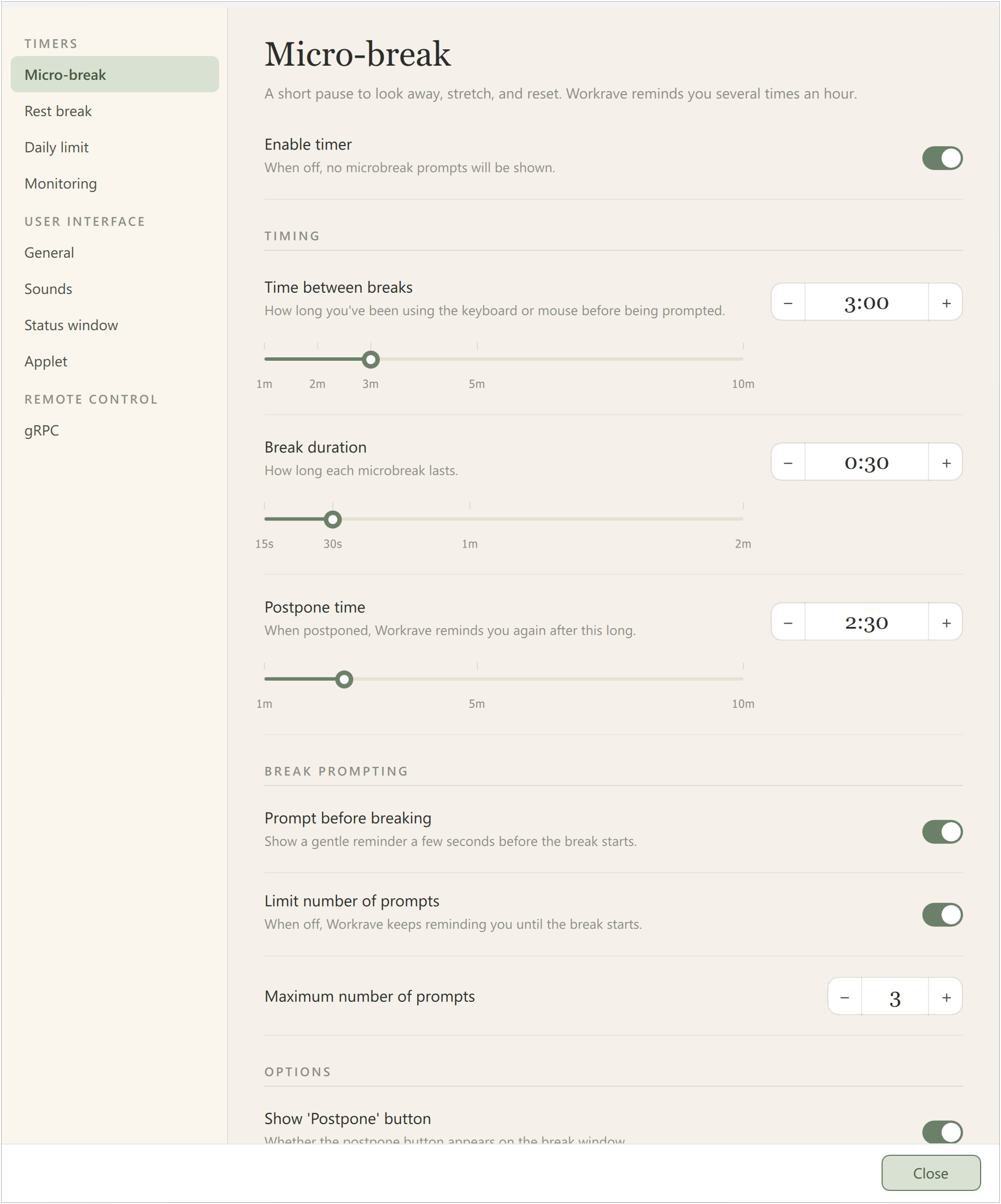
Select Timers → Micro-break, Rest break or Daily limit to configure a break:
Last updated: Oct 12, 2026