When it is time to take a break, Workrave will first gently announce the break by means of a small non-intrusive window. This window will automatically move out of the way if you choose to ignore it, for example to finish your current activity.
The examples show Classic and Sanctuary appearances. Select Use Sanctuary UI in Preferences → User interface → General to switch between them. Select an image to view it at full size.
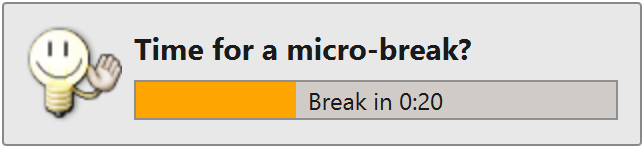

After about 20 seconds of ignoring the break reminder, the window will start flashing orange.
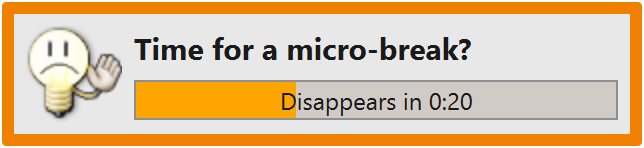

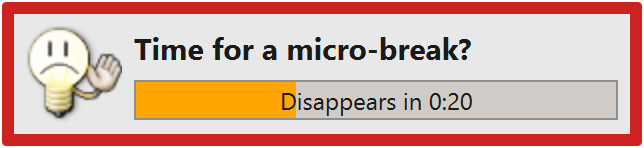
A few seconds later it will start flashing red. If you still continue to ignore it, the break reminder window will disappear. Depending on your settings and the number of times you ignored the break, Workrave will either force you to take the break, or try again in a few minutes.

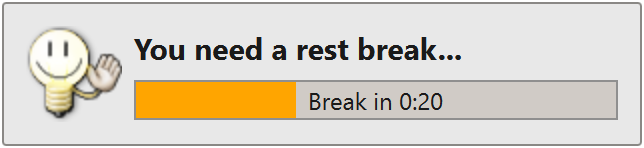
Similar reminders will be given for restbreaks:

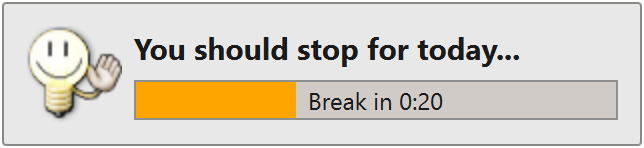
and for the daily limit:

Last updated: Oct 12, 2026