In the Gnome Shell desktop environment, a Workrave applet that shows all timer values can be added to a panel.
This applet can be added by installing both workrave-gnome and gnome-shell-extensions (details may vary depending on system packaging).
Then, in the Extensions application page, enable the Workrave extension:
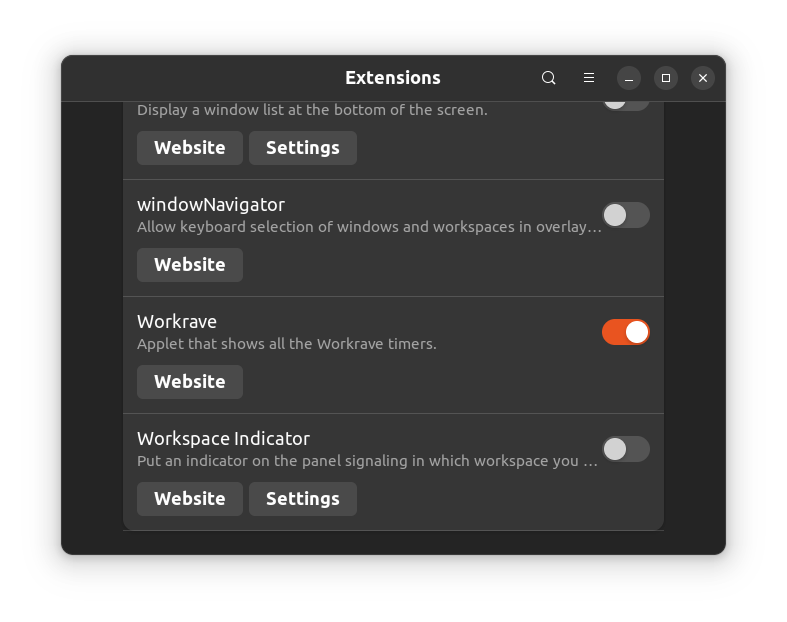
The Workrave applet will now appear in the system panel. Restarting the GNOME environment may be required before the applet appears.
The panel illustration above is retained from the 1.10 guide; its appearance depends on the desktop version.
The GNOME Shell extension can also show break prompts on Wayland when Use GNOME Shell extension for showing break prompts on Wayland (EXPERIMENTAL) is enabled in User Interface → General.
These desktop-integration instructions and panel illustrations are retained from the earlier guide. Qt support depends on the package and desktop version.
Last updated: Oct 12, 2026