The three break types and their timers work as before. These are the main changes to look for when moving from Workrave 1.10 to the GTK version of 1.11.
Temporary operation modes
The Mode menu now includes Temporarily Quiet… and Temporarily Suspended…. Select a duration or Until next day to let Workrave return to Normal mode automatically. See operation modes.
Preferences
Preferences now has four main sections: Timers, User interface, Monitoring, and Sounds. Monitoring and sound settings have their own pages instead of appearing inside other sections. The sound player no longer offers the PC speaker option, and Subtle is the default sound theme.
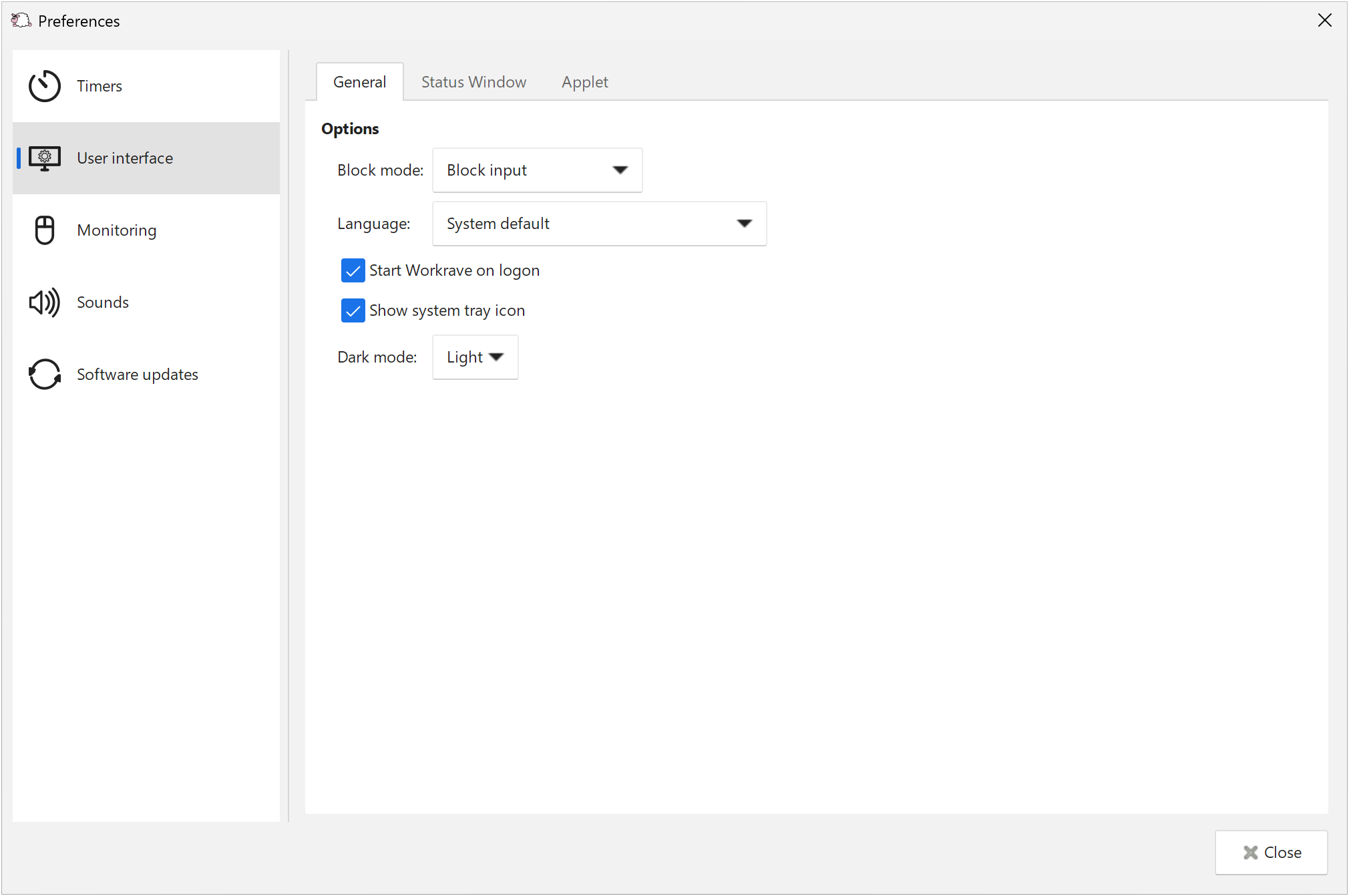
On Windows, preferences also include Dark mode, Focus Assist integration, and Software updates.
Linux desktop integration
Workrave supports modern tray icons through StatusNotifierItem/AppIndicator. The GNOME Shell extension was redesigned, including support for showing break prompts on Wayland. Wayland support remains experimental; the GTK preferences include an option to force X11 and an experimental option for GNOME Shell prompts. See desktop integration and user interface settings.
Features removed in 1.11
- Networking: synchronizing timers between computers and the Network menu and preferences were removed. Timers now run independently on each computer.
- Windows DeskBand: the Windows taskbar timer applet was removed. Use the timer window and tray icon instead. The Linux panel applets are separate integrations and are still available when included in your package.
The 1.10 guide retains the instructions for those older features.
Last updated: Oct 11, 2026