The Windows GTK version can check for new Workrave releases. Open Preferences → Software updates to configure the checks.
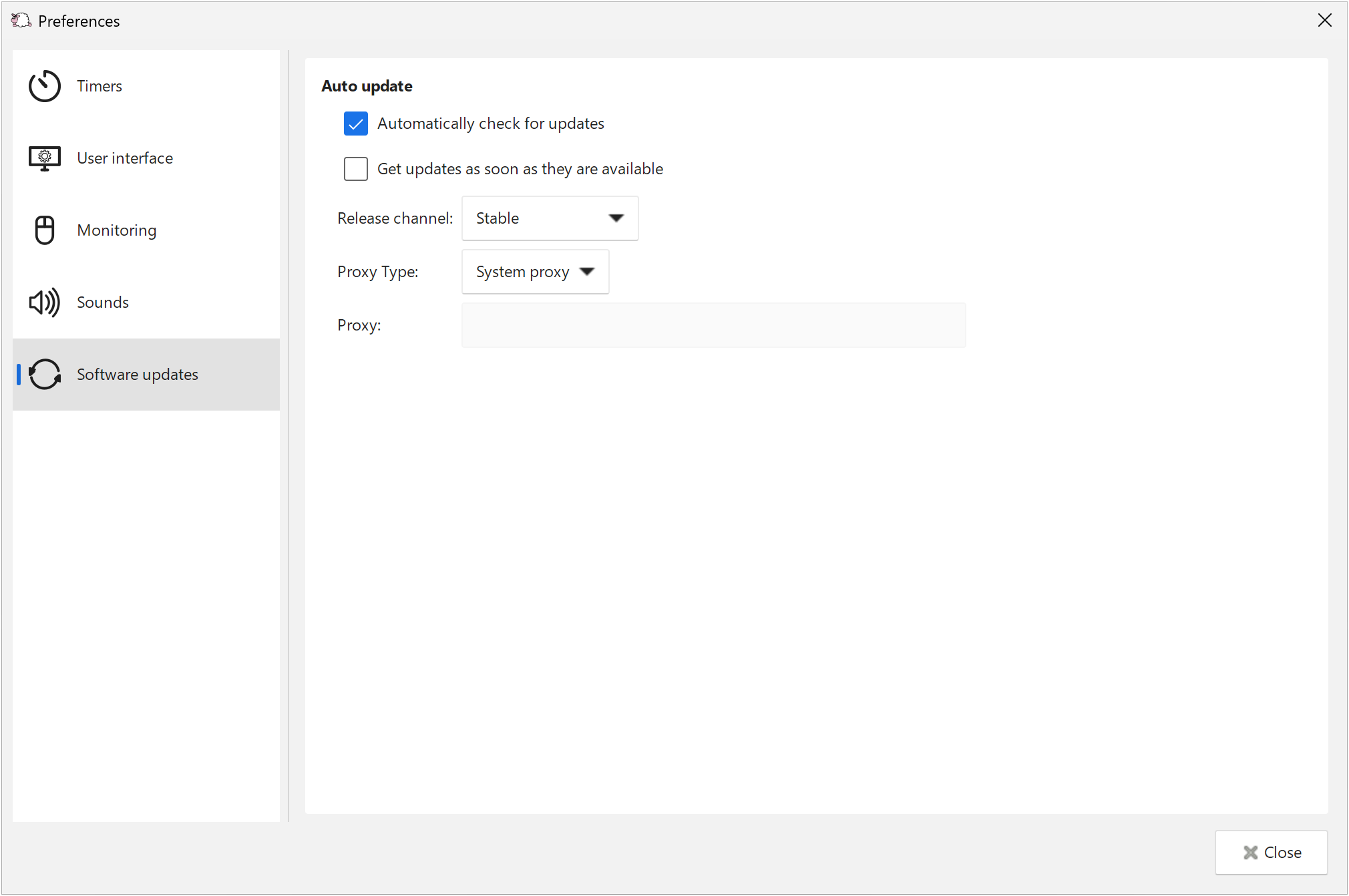
- Automatically check for updates enables regular update checks.
- Get updates as soon as they are available controls how promptly new releases are offered.
- Release channel selects which releases to check for. The normal release channel is Stable.
- Proxy Type and Proxy configure how the update checker connects. System proxy uses the operating system’s proxy settings.
You can also select Check for Updates from the Workrave menu to check manually. These settings affect the update checker, rather than break timers.
Last updated: Oct 11, 2026