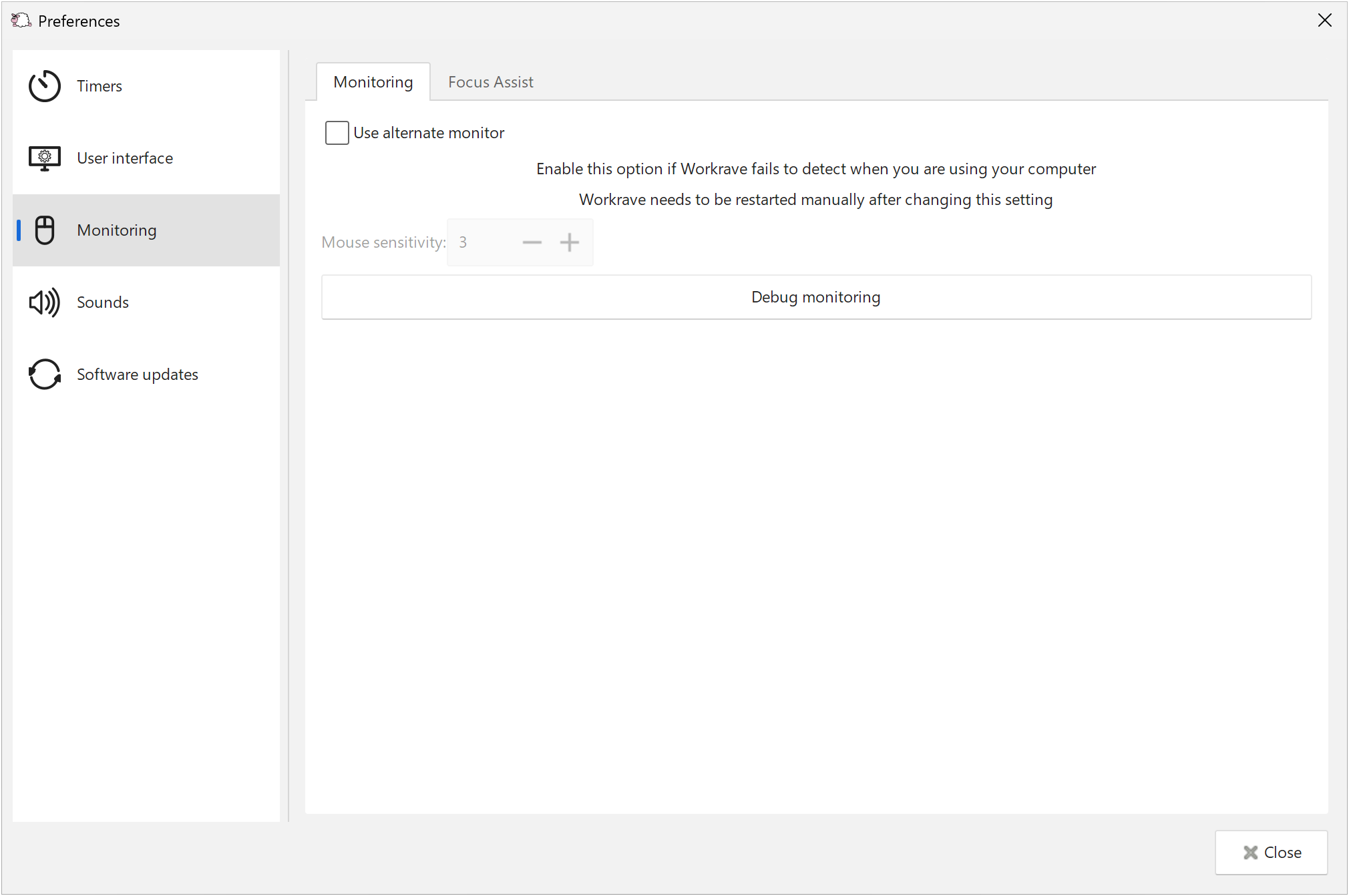
Use alternate monitor
In some rare cases Workrave may fail to detect your activity. In this case you can enable this option to instruct Workrave to use a different way of monitoring your activity.
Mouse sensitivity
Workrave tries to ignore small movements of the mouse pointer. The higher this value, the lower the sensitivity.
Focus Assist (Windows)
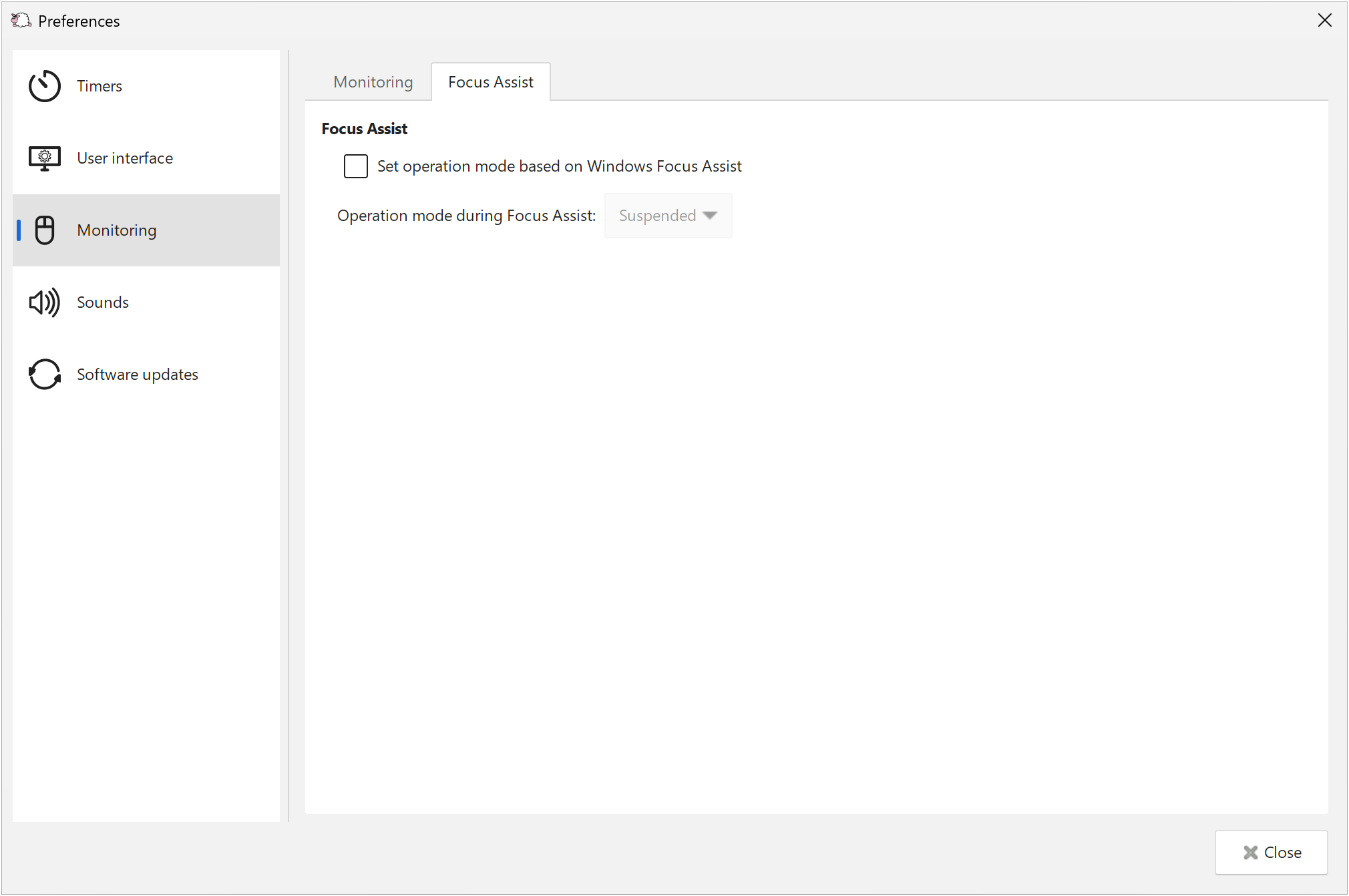
Enable Set operation mode based on Windows Focus Assist and choose Quiet or Suspended to use that operation mode while Focus Assist is active.
Last updated: Oct 11, 2026